Easy Ways to Stop Spam Registrations in WooCommerce
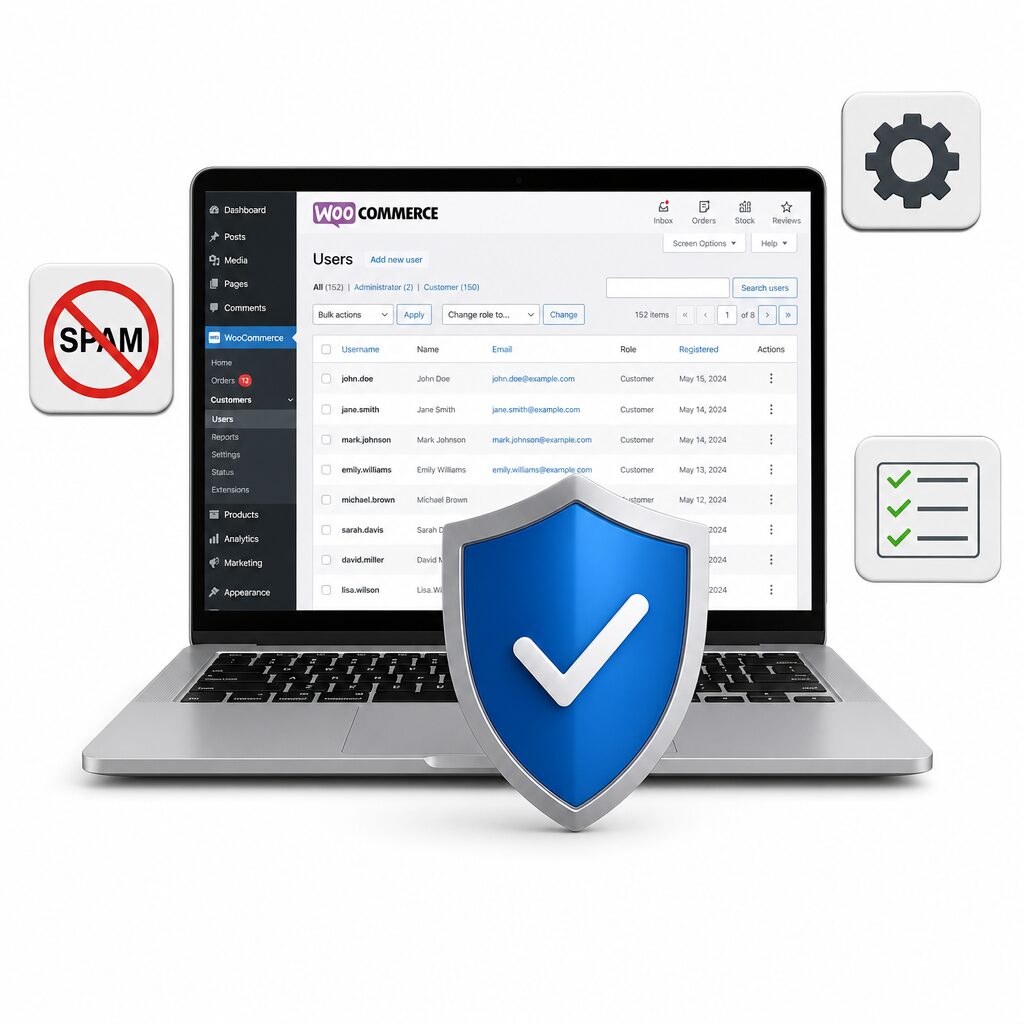
If you’re running a WooCommerce store, you know how frustrating spam registrations can be. Fake accounts can clutter your user list, mess with analytics, and even pose security risks. Luckily, there are easy ways to stop these spam registrations and keep your store secure.
1. Use CAPTCHA or reCAPTCHA
Adding a CAPTCHA to your registration form can block most bots. WooCommerce supports several CAPTCHA plugins that are easy to set up.
2. Require Email Verification
Making users verify their email addresses adds an extra layer of protection. Most membership or registration plugins offer this feature.
3. Limit Registration Attempts
Plugins that limit failed registration attempts can help prevent bots from flooding your site.
4. Install a Reliable Anti-Spam Plugin
One of the simplest and most effective solutions is to use a dedicated anti-spam plugin like CleanTalk. CleanTalk automatically blocks spam bots and fake registrations without annoying your genuine customers. It’s easy to install and works seamlessly with WooCommerce.
Why Choose CleanTalk?
– No CAPTCHAs for real users,
– Blocks spam registrations and orders,
– Works silently in the background.
If you’re serious about protecting your WooCommerce store, try CleanTalk today and experience hassle-free spam protection.
👉 [Get CleanTalk here and secure your store! ]
Stop wasting time on spam—let CleanTalk handle it for you!